MMeniva

A quieter, more beautiful way to run a menu

A menu worth looking at. An operation built to move.

Create an elegant multilingual menu, share it by QR, export it anywhere—and unlock live table ordering when you are ready for Pro.

PDFPNGHTMLQRiOSAndroid
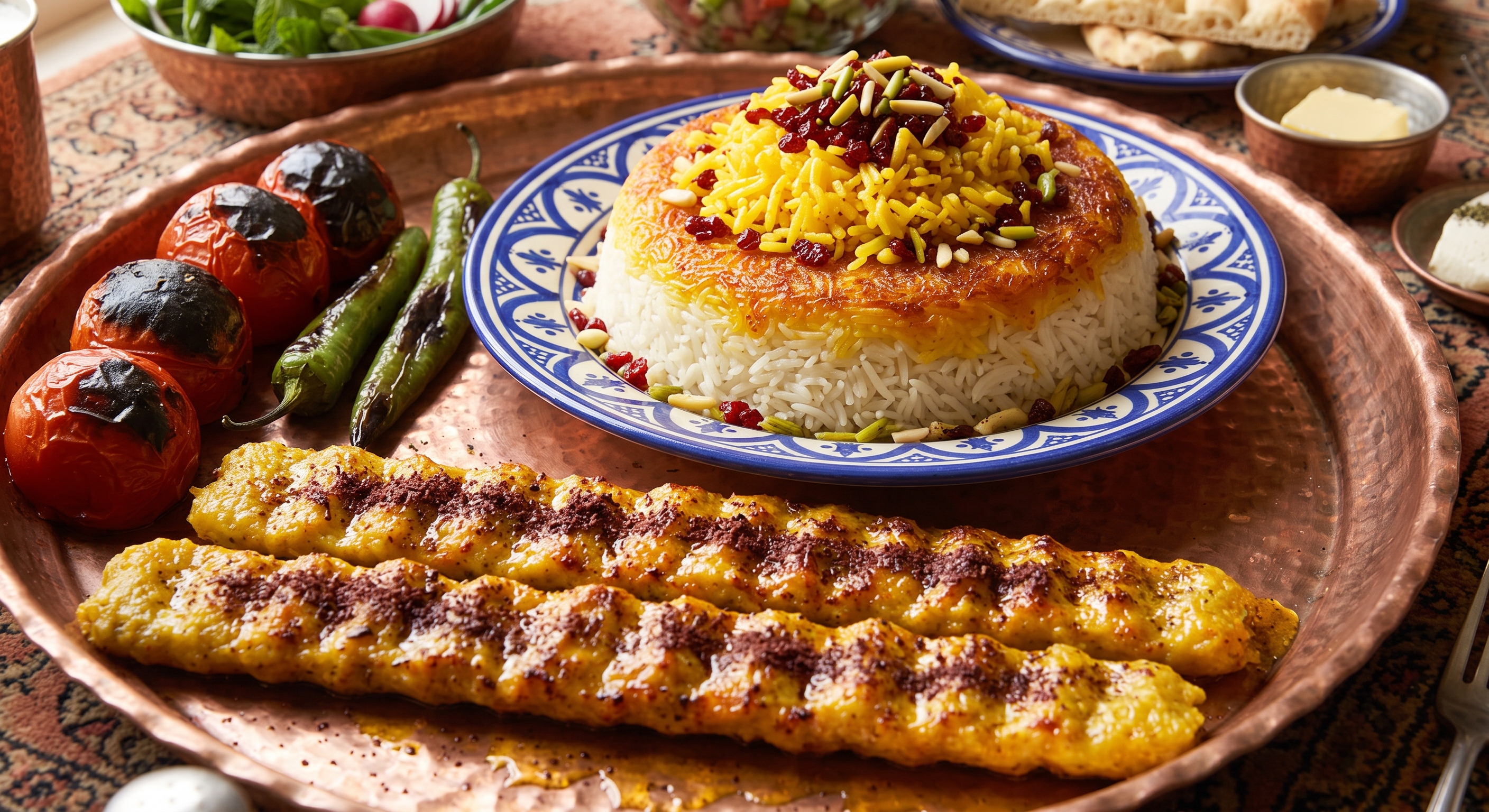
Saffron table
MENIVA · LIVE MENUSaffron tablePublished · Multilingual
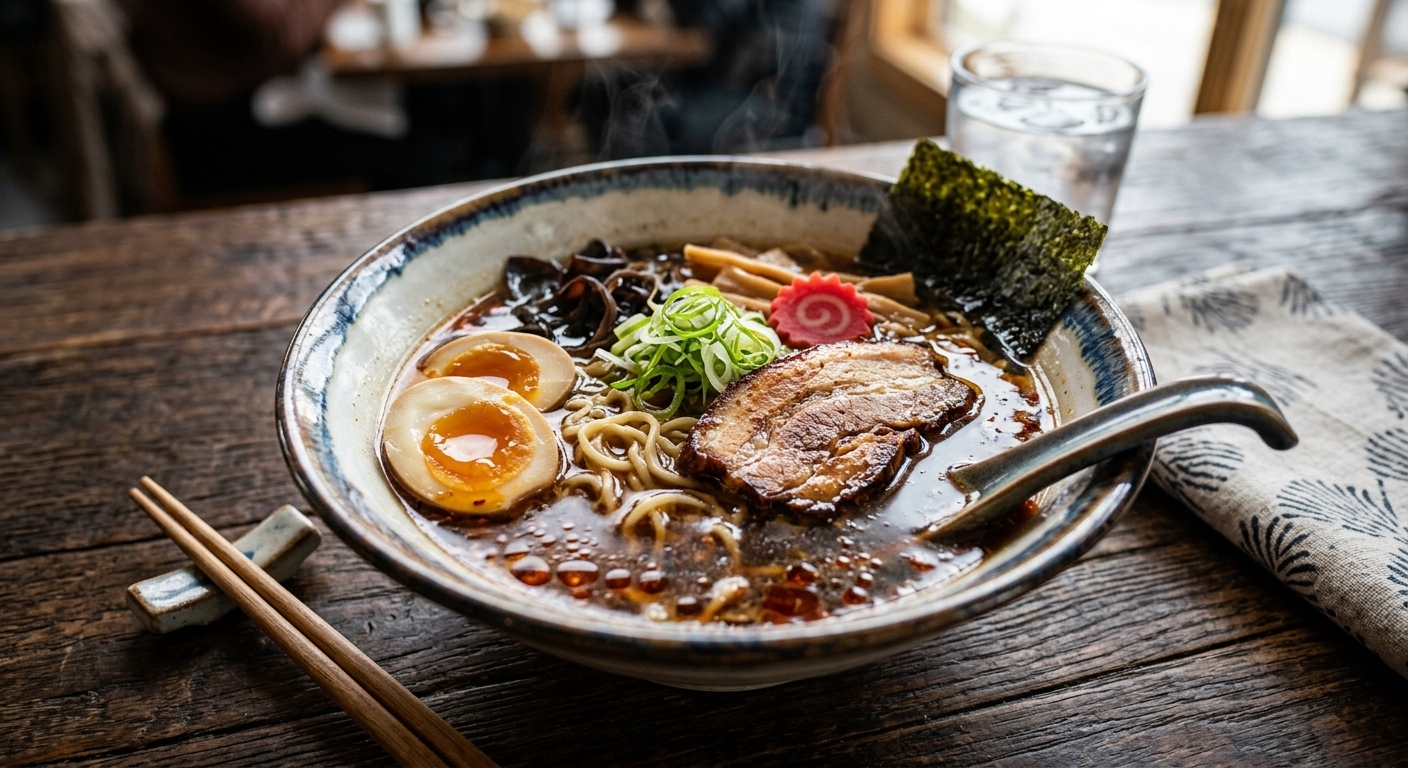
Slow ramen
Meniva QR brand mark

FROM CAMERA TO QR

Make every dish feel irresistible before the first bite.

Rich photography, considered typography and a permanent menu link—composed into one hospitality experience.
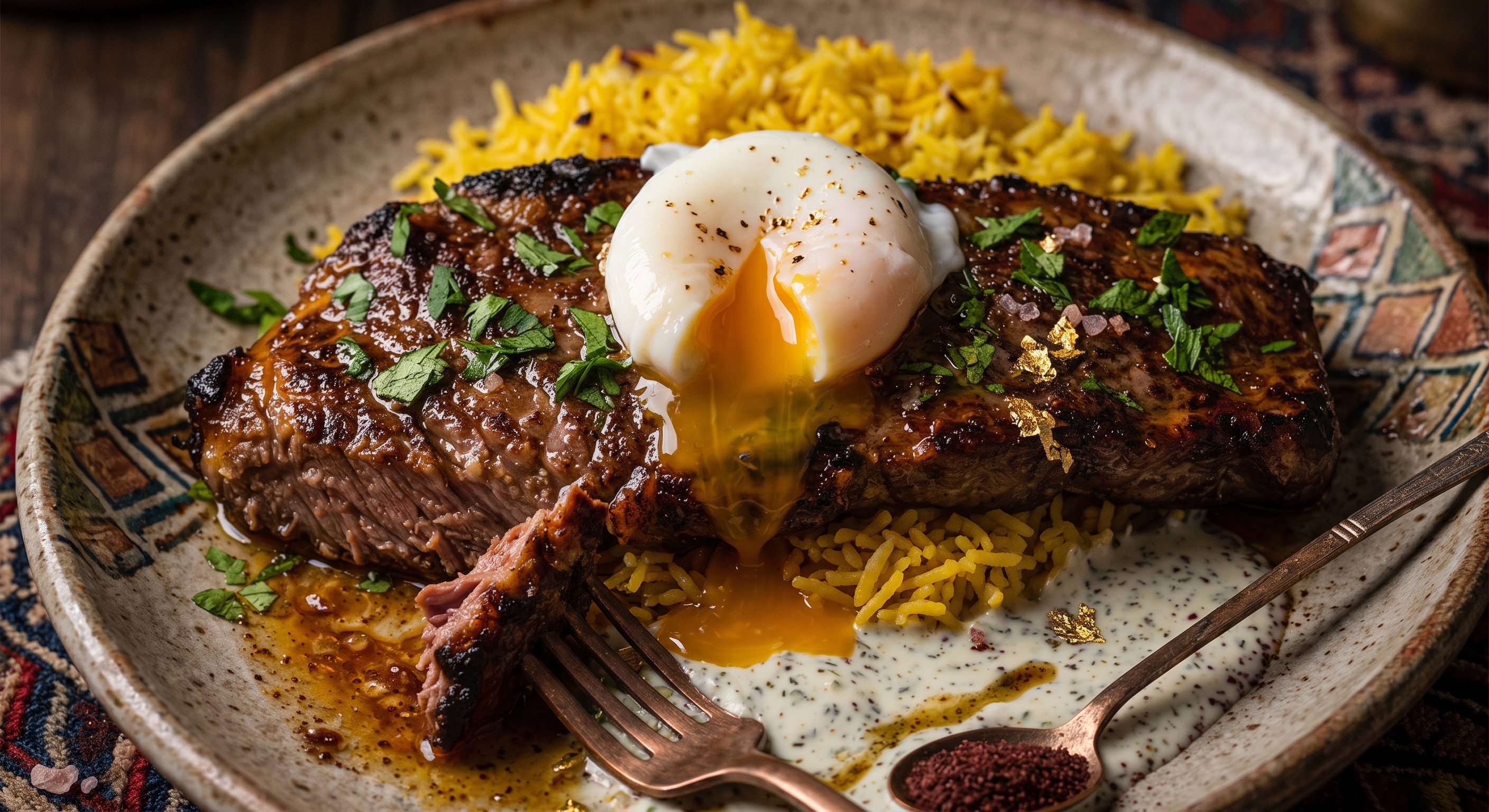
Chef’s cut
MENIVA MENUChef’s cut
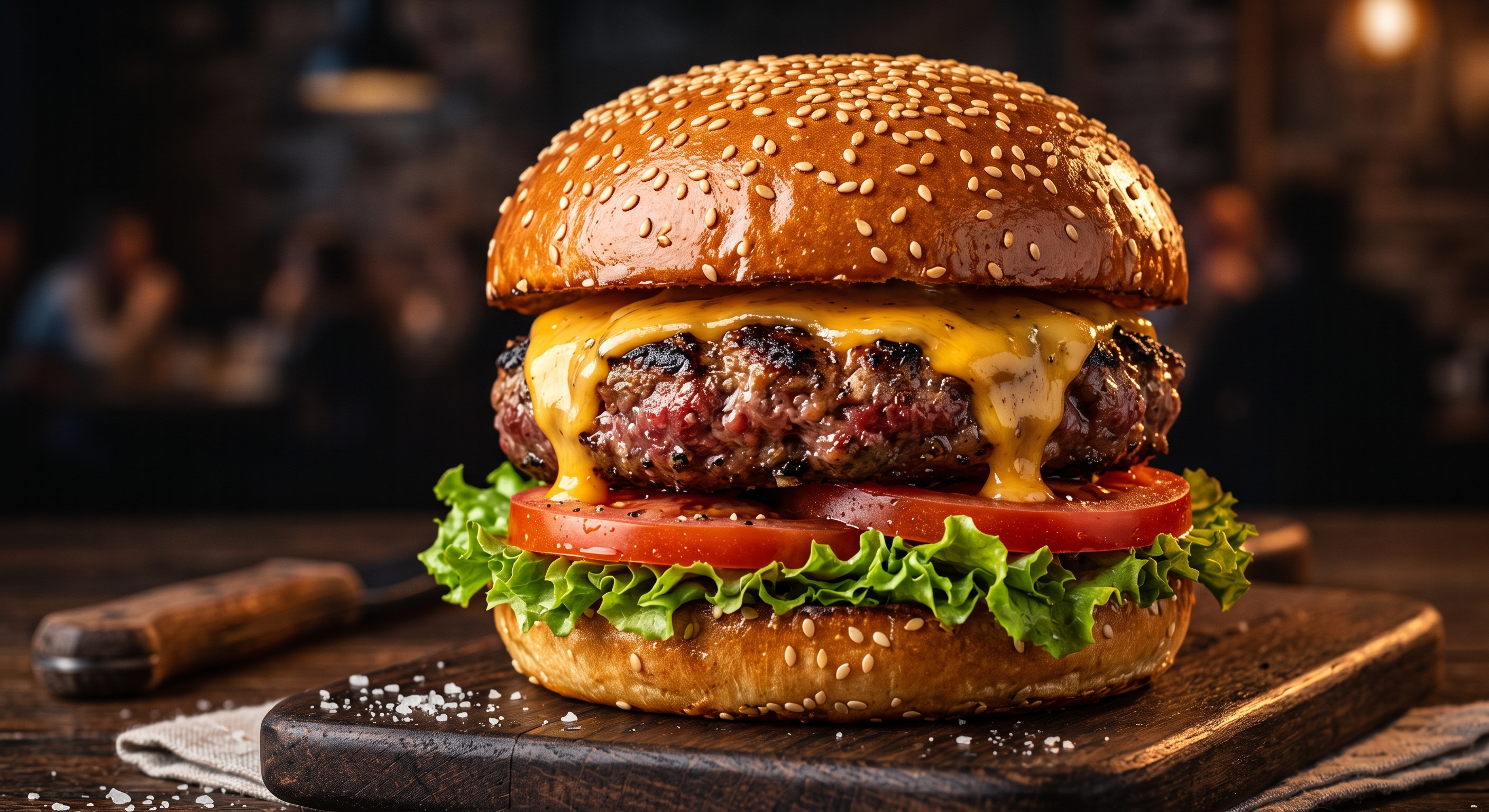
The signature burger
MENIVA MENUThe signature burger
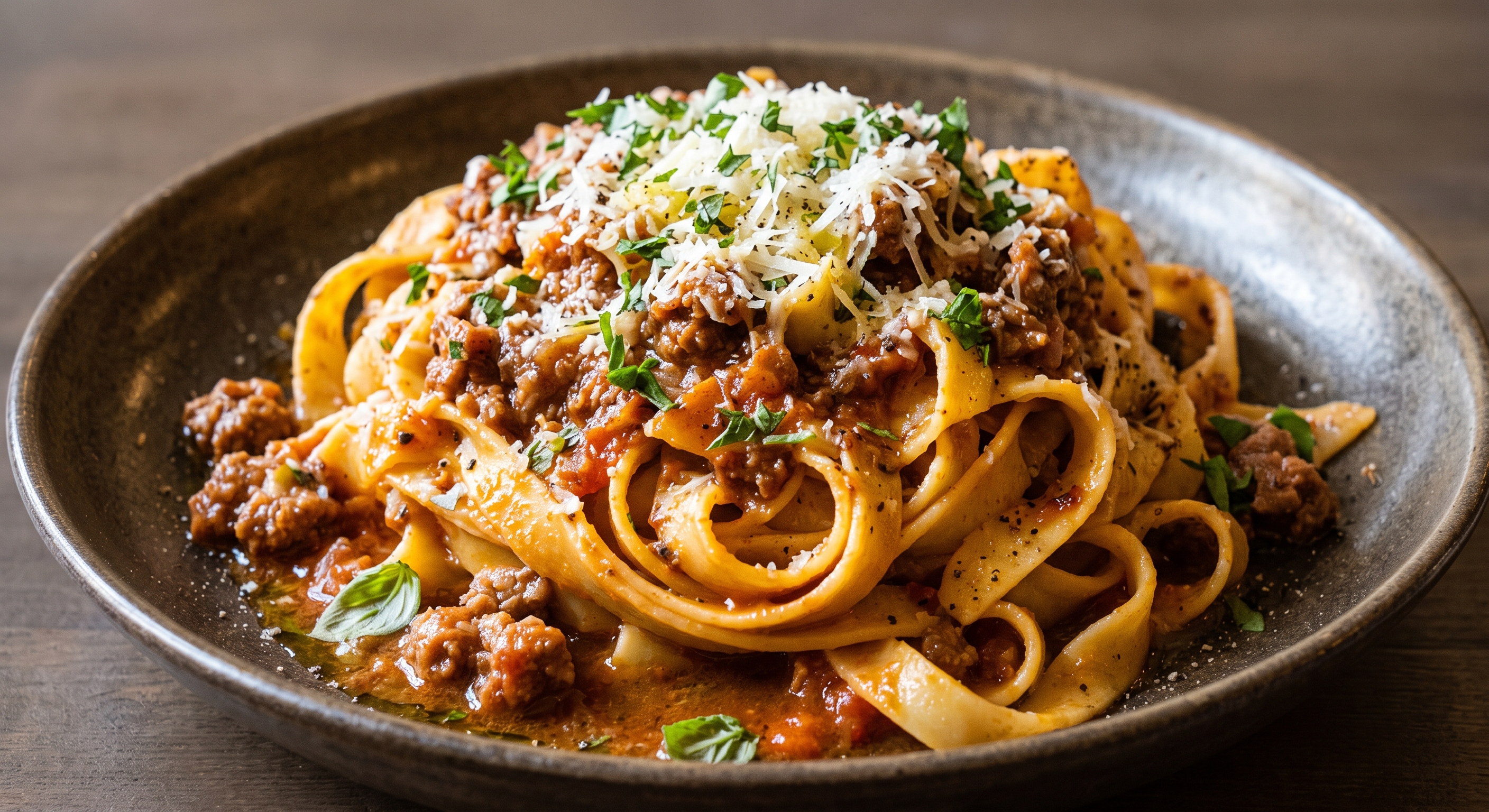
House pasta
MENIVA MENUHouse pasta
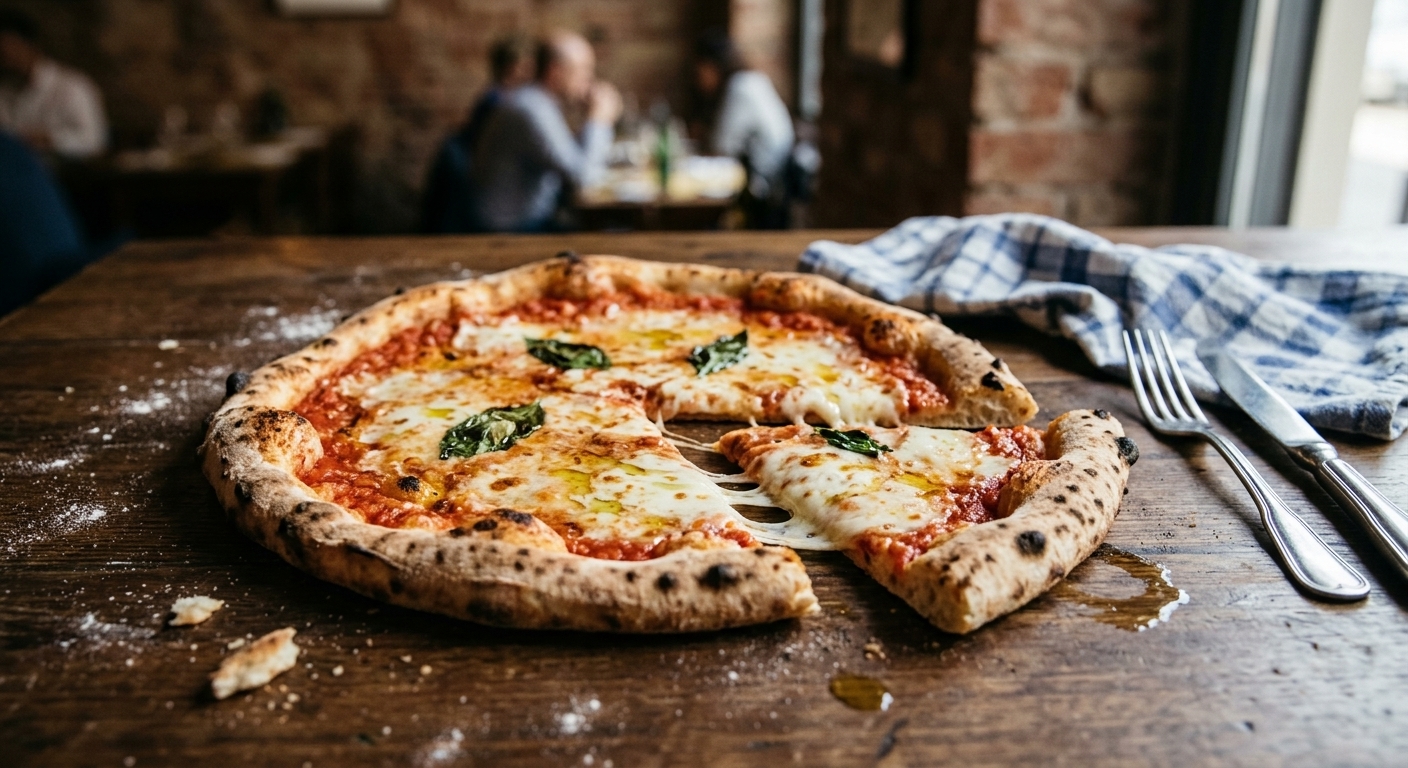
Fire-baked pizza
MENIVA MENUFire-baked pizza

MENIVA STUDIO

One menu. Every useful format.

After scanning, guests can save a clean PDF, PNG or standalone HTML. Select a refined layout and palette for your restaurant.

Slow ramen
EDITORIAL · SAFFRONSlow ramenTwo languages · Live menu · Ready to order
  • 01Print-ready PDF
  • 02Shareable PNG
  • 03Standalone HTML
  • 04Live Pro ordering

PRICING

Simple plans, no feature maze.

Start with a beautiful menu for free. Upgrade when your dining room needs live operations.

Free

$0

  • Unlimited menu categories
  • Multilingual permanent QR
  • PDF, PNG and view-only HTML
  • 3 styles and 4 palettes
Start free

MENIVA MANAGER

Meniva Manager, wherever service happens.

Manage menus, tables and daily operations from one shared iOS and Android app.

MENIVA MANAGER

Tonight,
at a glance.

12Tables38Items
Menu publishedVersion 7 · Live

FAQ

Questions, answered.

Does Free accept orders?+

No. Free creates, publishes and exports menus. Online ordering and restaurant operations are enabled on Pro.

Are exports available after scanning?+

Yes. Guests can use PDF/Print, PNG and standalone HTML.

Can I change the menu design?+

Yes. Choose from three structures and four professional palettes.